


Digital Signage for Business: More Than Just a Screen on the Wall
Digital signage has evolved far beyond simple advertising displays. Here's how businesses across retail, hospitality, and corporate environments are using it to communicate, inform, and sell.
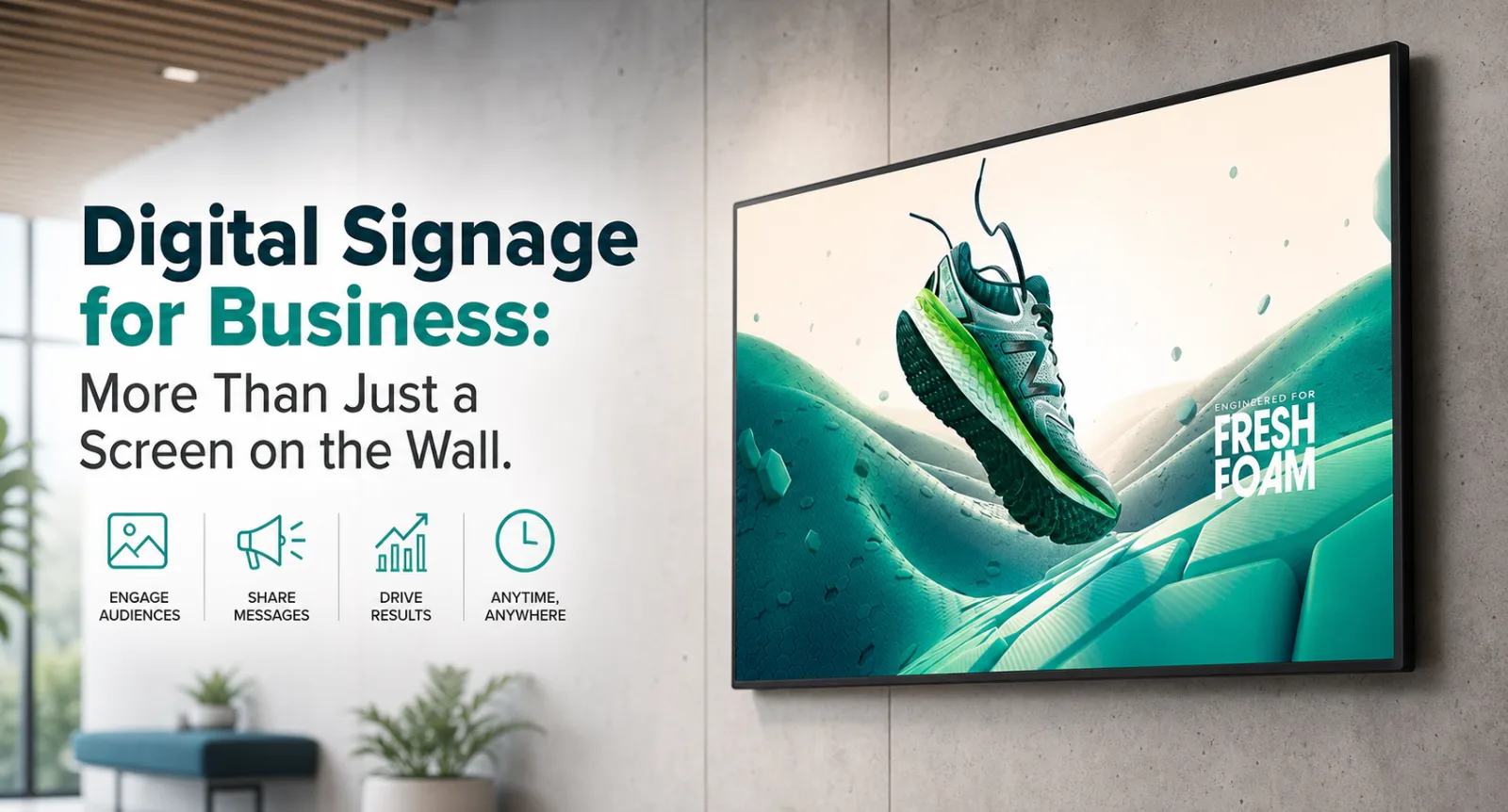
A decade ago, digital signage meant a TV screen in a shop window playing a looping promotional video. Today it's a sophisticated communication platform used by businesses of every size — from a single screen at a reception desk to a multi-site network of hundreds of displays managed centrally from a browser.
If you're still relying on printed posters, static menu boards, or outdated notice boards, digital signage offers a compelling alternative. Here's what you need to know.
What Is Digital Signage?
Digital signage is the use of digital displays — screens, video walls, kiosks, or interactive panels — to present information, advertising, wayfinding, menus, or other content to an audience. The content is managed and updated via software, either locally or over a network, without any physical media or printing.
A complete digital signage system typically comprises:
- The display — a commercial-grade screen designed for continuous operation (not a consumer TV)
- A media player — a small computing device that drives the display and plays the content (sometimes built into the screen itself)
- Content management software (CMS) — the platform used to create, schedule, and push content to displays
- Network connectivity — wired or wireless, to allow remote management and content updates
Why Commercial-Grade Displays Matter
Consumer televisions are designed for 4–6 hours of daily use in a home environment. Commercial displays are built for 16–24 hours of continuous operation, seven days a week, in bright ambient lighting conditions. The difference in brightness alone is significant: a consumer TV might output 300–400 nits; a commercial display 700 nits or more, ensuring content remains clearly visible even in a brightly lit retail environment or in direct sunlight.
Commercial displays also carry longer warranties, support portrait and landscape orientation without voiding the warranty, and typically include mounting options, RS-232 control, and remote management capabilities that consumer displays lack.

Use Cases Across Industries
Retail
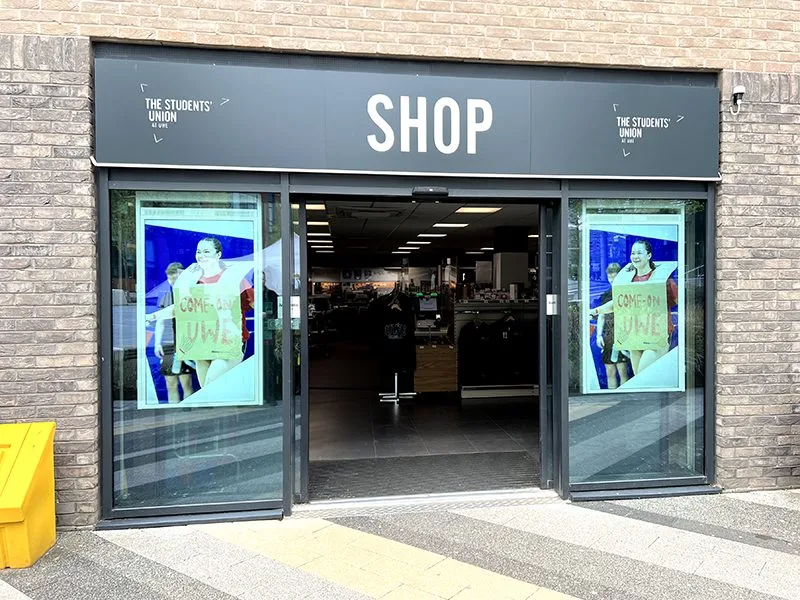
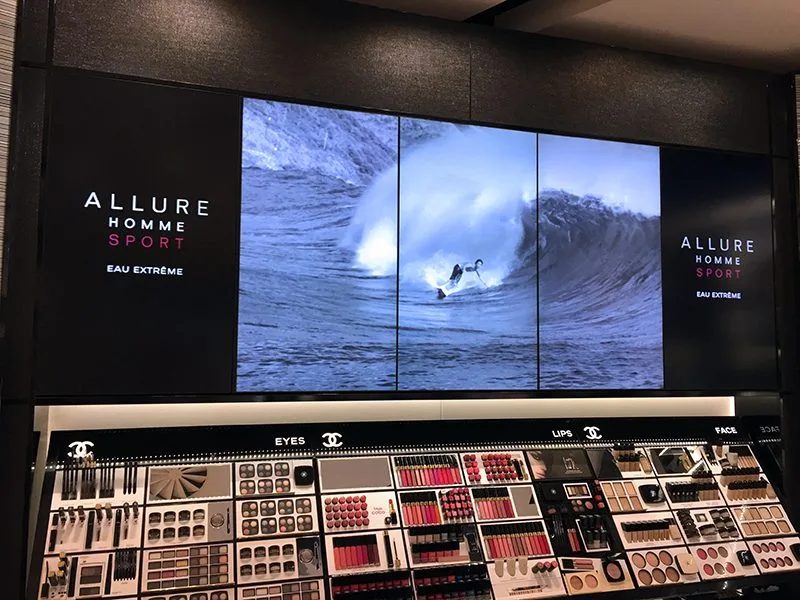
Digital signage in retail environments drives sales by promoting products, highlighting offers, and influencing purchasing decisions at the point of sale. Studies consistently show that digital displays drive higher engagement and purchase intent than static equivalents. Content can be updated instantly to reflect stock levels, daily promotions, or seasonal campaigns — no print lead time, no waste.
Hospitality and Food Service
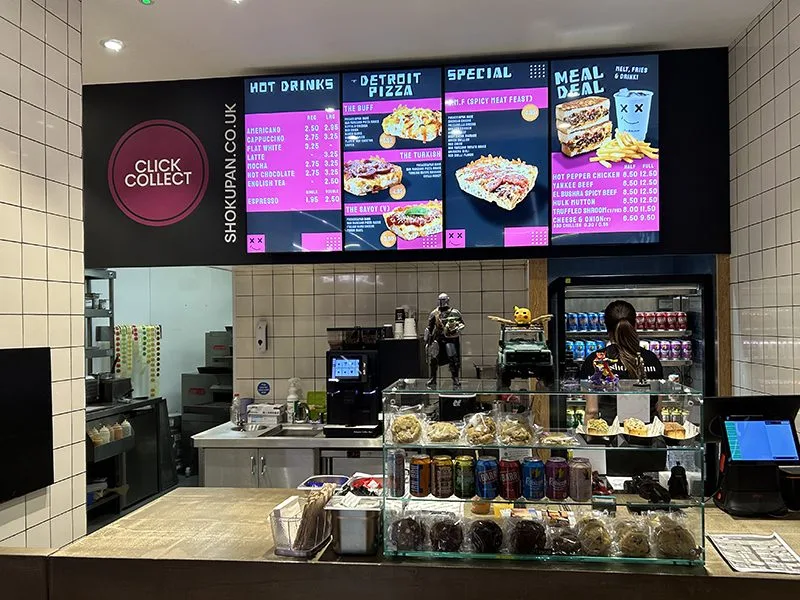
Digital menu boards are now standard in quick-service restaurants and cafes. Beyond aesthetics, they offer practical benefits: updating prices or removing sold-out items takes seconds, dayparting allows breakfast menus to transition to lunch automatically at a set time, and high-quality food imagery increases average order value.
Corporate Environments
In offices, digital signage serves multiple purposes: meeting room availability displays, internal communications screens in breakout areas, KPI dashboards on production floors, and wayfinding in large buildings. Content can be integrated with live data feeds — calendars, dashboards, news — to display always-current information.
Healthcare
Waiting room displays reduce perceived wait times and improve patient experience by providing information, health messaging, and entertainment. Digital wayfinding helps patients navigate complex hospital buildings. Queue management systems integrate with signage to call patients and display wait times.
Education
Schools and universities use digital signage for campus wayfinding, event promotion, emergency alerts, and real-time information about timetable changes. Digital notice boards replace printed paper that becomes outdated almost immediately after printing.
Interactive Digital Signage and Kiosks
Adding a touchscreen transforms a passive display into an interactive experience. Self-service kiosks allow customers to browse products, place orders, check in for appointments, or access information without staff involvement — reducing queues and freeing staff for higher-value tasks. Interactive wayfinding kiosks in shopping centres, airports, and hospitals provide a searchable, always-current alternative to printed maps.
Content Management: The Key to Making It Work
Hardware is only half the story. The right content management system makes the difference between a digital signage installation that gets used and one that gets ignored. Key features to look for:
- Remote management — update content across all screens from a central platform, without visiting each location
- Scheduling — set content to appear at specific times of day, days of the week, or dates
- Multi-zone layouts — display different content in different areas of the screen simultaneously
- Live data integration — connect to RSS feeds, social media, weather, or your own business data
- Proof of play reporting — verify what content was displayed, when, and for how long
Talk to BOSH Group
We supply commercial-grade digital signage displays and media players for businesses across retail, hospitality, corporate, and public-sector environments. We can advise on hardware, content management platforms, and installation. Get in touch or browse our digital signage range.