


Mini PCs: Big Performance in a Small Footprint
Mini PCs are transforming how businesses deploy computing power. Compact, quiet, and energy-efficient — here's when they're the right choice.
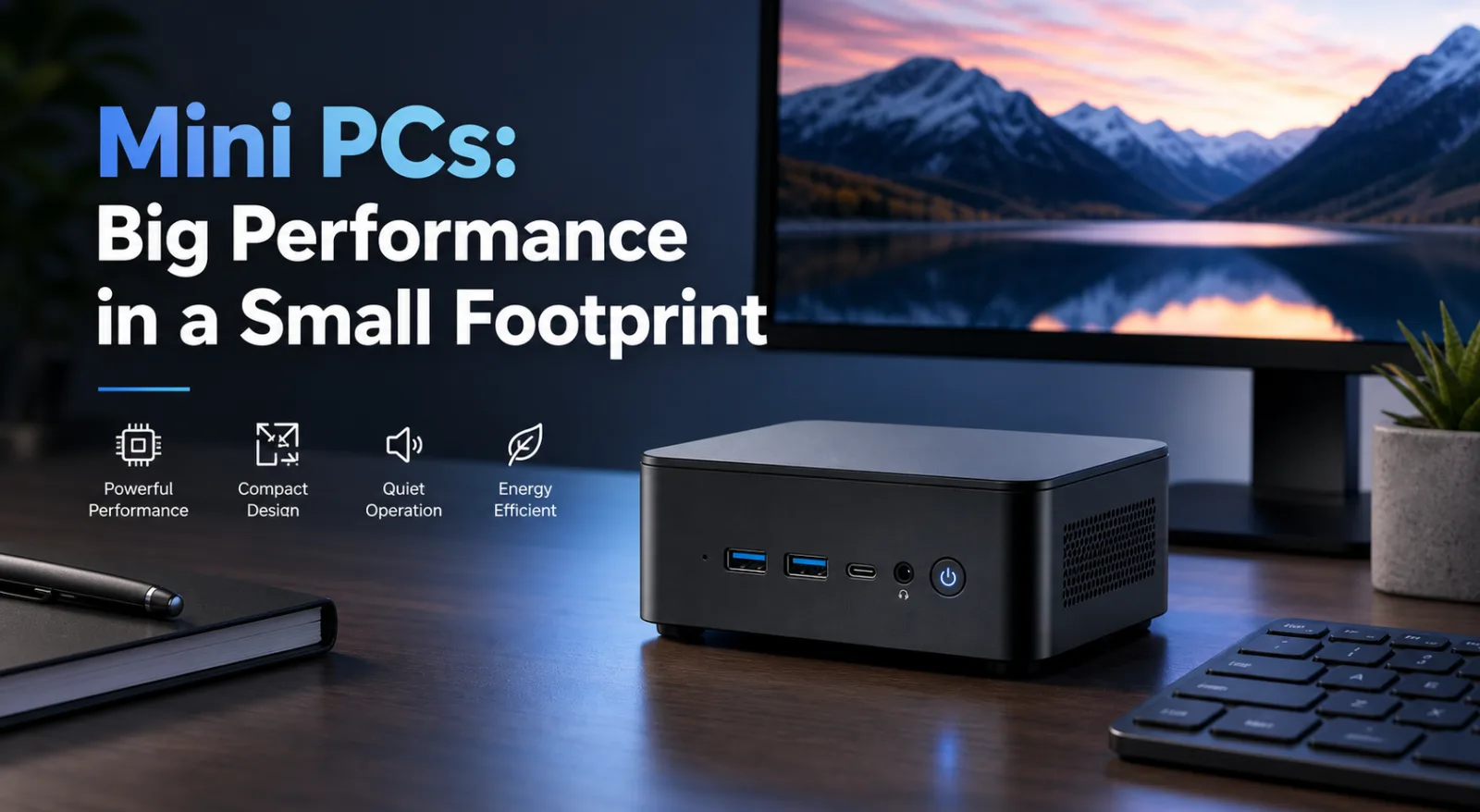
The days when a powerful business PC required a tower case the size of a filing cabinet are long gone. Mini PCs — compact systems typically no larger than a hardback book — now offer processing power that rivals full-size desktops, at a fraction of the space and energy cost.
For businesses thinking about refreshing their desktop estate, deploying kiosks, or building out a digital signage network, mini PCs deserve serious consideration.
What Is a Mini PC?
A mini PC is a fully functional computer in a compact form factor, typically measuring between 100mm and 200mm across. Despite their size, modern mini PCs are equipped with capable processors (including Intel Core and AMD Ryzen options), support for multiple displays, fast NVMe SSD storage, and a full complement of connectivity ports.
They're not to be confused with thin clients — mini PCs run a full operating system (Windows 11 Pro, Linux) and operate entirely independently, without needing a server to function.
Key Benefits for Business
Space Efficiency
A mini PC takes up a fraction of the desk space of a tower. Many models are VESA-mountable, attaching directly to the back of a monitor to eliminate the unit from the desk entirely. This is particularly valuable in open-plan offices, trading floors, reception areas, and any environment where desk space is at a premium.
Energy Efficiency
Mini PCs typically consume between 10W and 35W under normal use — compared to 60W–300W for a full-size desktop depending on specification. For an office with 50 PCs running eight hours a day, the energy savings over a year are significant, and the environmental benefit is meaningful.
Quiet Operation
Many mini PCs are fanless or near-silent, making them ideal for quiet office environments, meeting rooms, libraries, healthcare settings, or anywhere that fan noise would be intrusive.
Easy Deployment and Management
Mini PCs are straightforward to deploy in volume. They support enterprise management tools including Windows Autopilot, Microsoft Intune, and most major MDM platforms — making large-scale rollouts manageable without sending an engineer to every desk.
Versatile Mounting Options
Beyond VESA mounting, mini PCs can be rack-mounted (with appropriate brackets), DIN rail-mounted for industrial environments, or installed discreetly in kiosks, reception desks, and display units.
Ideal Use Cases
- Office desktops — general productivity, video conferencing, Office 365 workloads
- Kiosk computing — self-service terminals, wayfinding, ticketing
- Digital signage controllers — driving displays in retail, hospitality, and corporate environments
- Thin deployment environments — anywhere space, weight, or noise constraints rule out a conventional PC
- Edge computing — local processing for IoT sensors, cameras, or data aggregation
- Home office / remote worker kits — compact, professional, easy to ship
What Specification Do You Need?
Mini PCs range from basic units for light office tasks to powerful systems with discrete graphics suitable for CAD or media work. Key decisions:
- Processor — Intel N-series for light tasks; Intel Core Ultra or AMD Ryzen for demanding workloads
- RAM — 8GB for office use; 16GB or 32GB for multitasking or development
- Storage — NVMe SSD as standard; consider 256GB minimum, 512GB or 1TB for comfort
- Display outputs — how many monitors do your users need? Most mini PCs support 2–4 displays
- Connectivity — USB-A, USB-C, Thunderbolt, 2.5GbE, Wi-Fi 6 — check what your environment requires
Talk to BOSH Group
We supply mini PCs from a range of manufacturers and can help you identify the right model for your workload and deployment scale. Whether you need one unit or a hundred, contact our team or browse our mini PC range.